Poster Presentation
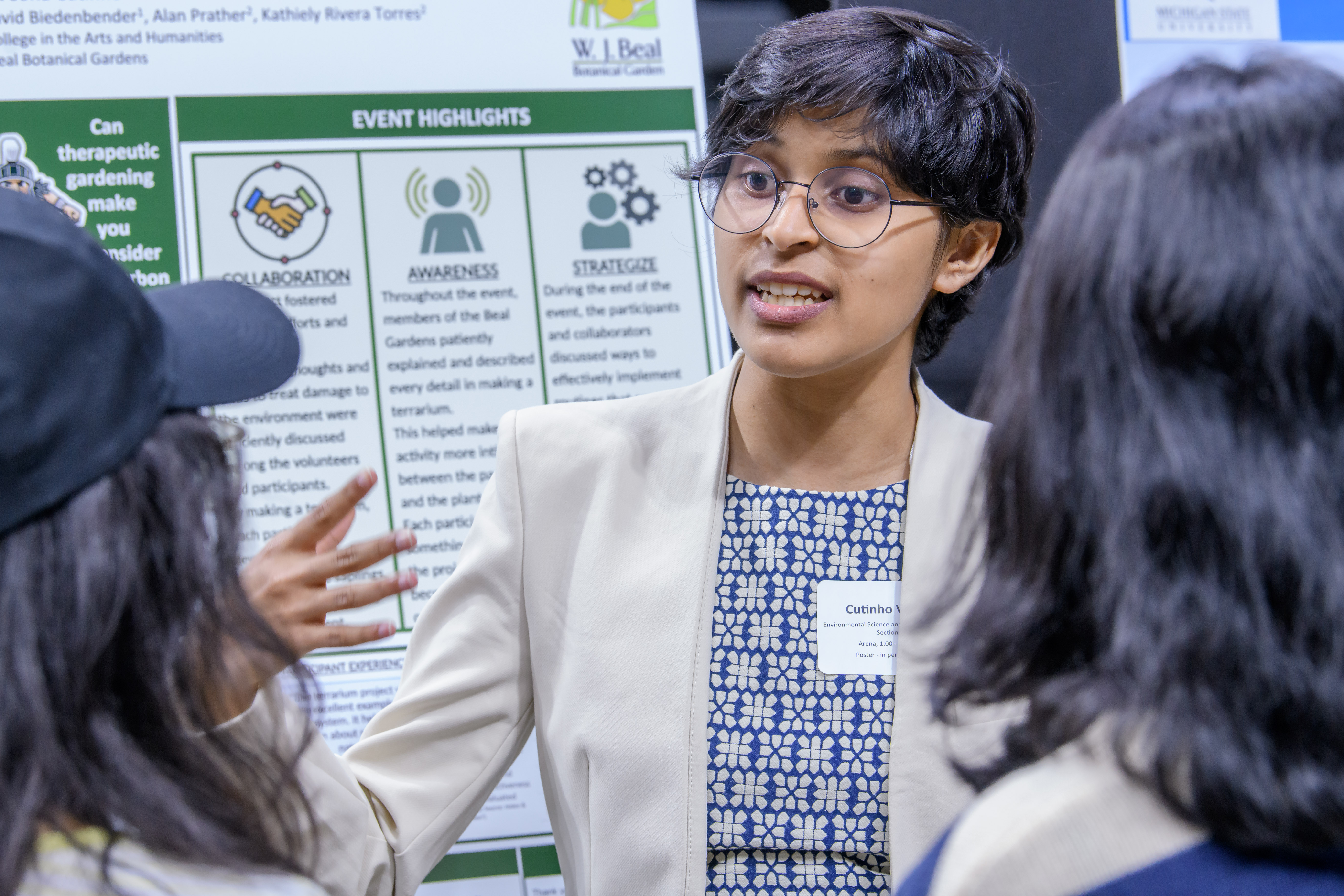
At most meetings or conferences, when you present a poster presentation, it means that you will display your poster and be available for viewers to ask questions about your research and how it is represented on your poster. Like an oral presentation delivered with a slideshow, there are many ways to design and present your research on a poster. There are also, however, a few important considerations and conventions to be familiar with.
https://www.youtube.com/watch?v=SATl29FeFw0&feature=youtu.be
Special Instructions for UURAF 2027 Poster Presentations
UURAF 2027 will be a hybrid event consisting of multiple presentation formats. UURAF is a public event. Do not share confidential information in your abstract or presentation.
For In-person Posters Only
- Create a poster presentation; print and trim final version to a size of 40" x 32" (102 cm x 81 cm); landscape or portrait orientation
- Prepare a short pitch discussing the poster presentation (less than 1 minutes is recommended)
- Share your work with visitors and evaluators
- In-person Presenter Guide (coming soon)
For Online Posters Only
- Submit presentation materials to online event site by TBD
- Create a poster presentation; save final version as PDF (less than 10MB)
- Create a video discussing the poster presentation (2 to 5 minutes long)
- Upload poster discussion video to YouTube as an unlisted video
- Enable the closed captioning feature to promote accessibility and inclusivity
- Add link for unlisted YouTube video and PDF of poster to the online UURAF submission page by TBD.
- Participate in asynchronous, online discussions with visitors and evaluators from April 22-23
- Online Presenter Guide (coming soon)
Presentation Tips:
- Tips and poster samples
- How to make an online poster accessible
- How to record a PowerPoint presentation
- How to add caption to YouTube videos
- Unlisted video setting
- Attend one of our workshops or peer advising for more assistance
- How to Prepare for an Academic Conference
- 15 Tips for Presenting at a Conference
- Practical Networking Tips
Resources
- Check out our Poster FAQ to learn more about poster presentations and how to prepare them
- Get help from an Undergraduate Research Peer Advisor
- Poster printing locations include: MSU Library, Erickson Print & Copy Center, Department of Radiology Graphics and Printing. Your mentor may recommend additional locations. Please check our printing resource guide for more information.